 NxEmu
NxEmuNxEmu is now starting to deliver real results.
The project has come a long way since its reboot and is starting to mature into an emulator that is genuinely usable.
Improving Compatibility
A big part of this release has been focused on making this an emulator people can actually use.
Alexwpi Game has been doing excellent work testing NxEmu and publishing his results. In his early testing, he ran over 30 games and found roughly half of them already working and playing nicely. Since then, I have been working with him to address the issues he raised, so compatibility should be noticeably better with this version.
If you visit NxEmu’s discord, in the showcase channel Alexwpi has also been sharing his results, along with other community members.
Profiles & User Management
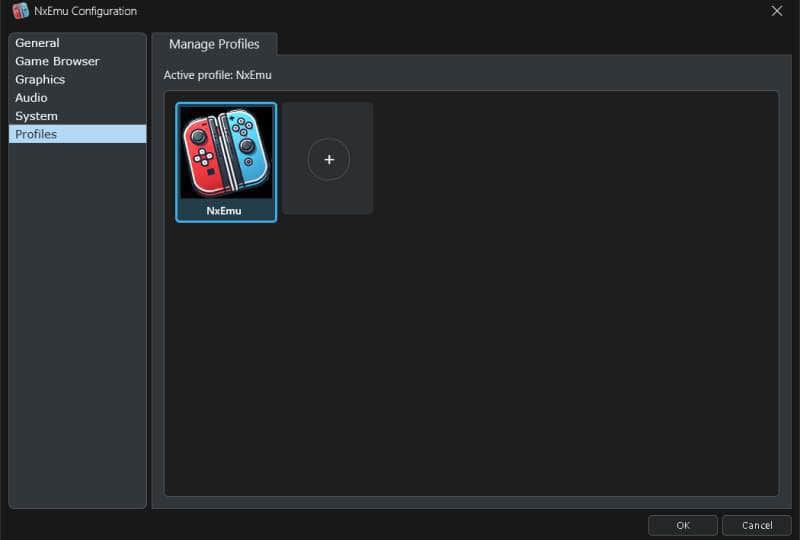
The Nintendo Switch uses profiles to manage user accounts. Each profile has its own save data, so if more than one person uses the emulator they can keep their saves separate. If you are the only person using it, this can mostly be ignored.
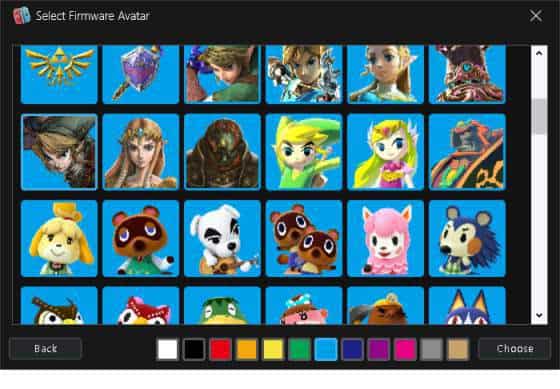
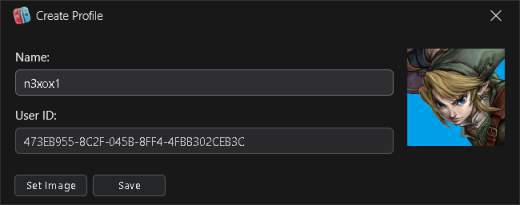
Some games open the profile select applet at boot and will not continue until a user is chosen. This version adds a profile manager so you can create and manage profiles, choose which one is active, and set an image, either from a file or from the avatars in installed firmware.
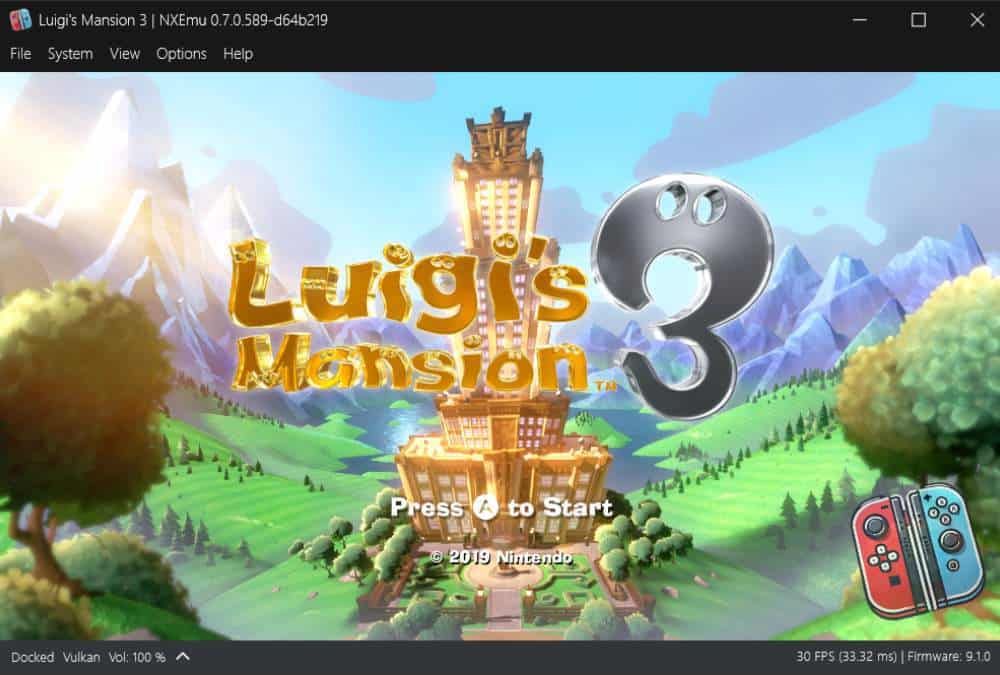
Luigi’s Mansion 3 was one title that would not boot because of this. Even when no profile existed yet, it still needed the profile select applet to be handled.
Keyboard Applet
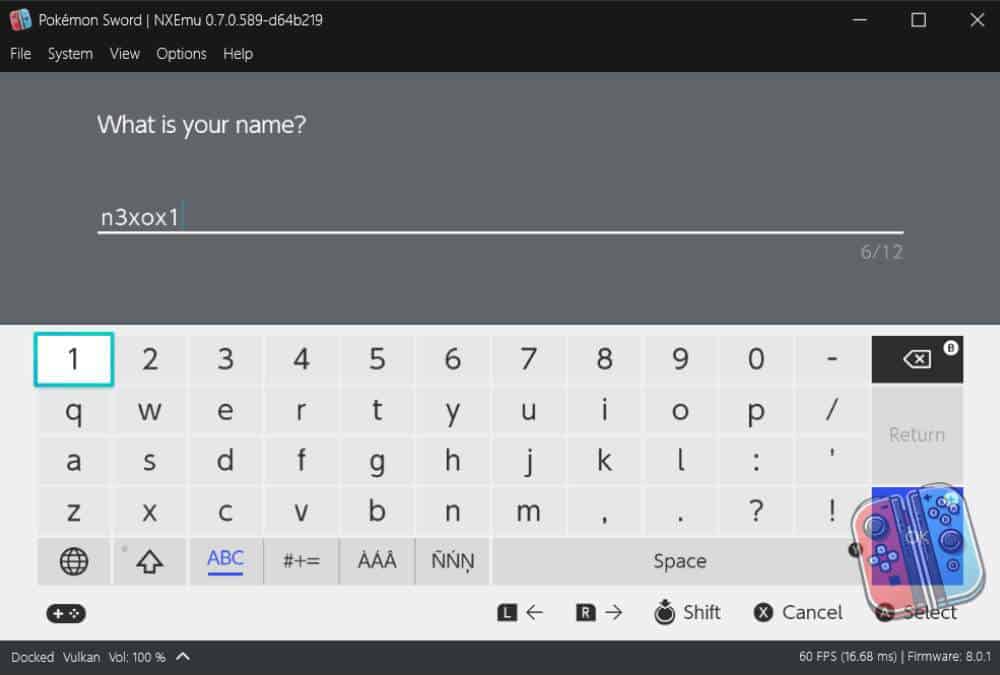
Similar to the profile applet, the keyboard applet is the virtual keyboard that appears when a game needs text input. That might be naming a character, entering a code, or something similar. Without it, games that ask for text either stall and never continue, or you get default text like “nxemu”.
Pokémon Shield is one example. It uses the keyboard applet when you enter your trainer name at the start of the game. Before this was implemented, the game would get to that point and the trainer name was just a default string.
The keyboard applet is a native applet, which means firmware needs to be installed for it to display correctly.
Compatibility Tracking
Different hardware, different GPU drivers, different game versions, and different firmware all affect how a game runs. The only way to get a real picture of what is working is for many people to report issues when they encounter them.
report.nxemu.com is the website I created to handle this. You sign in with Discord and file a report against a specific game, or as a general NxEmu issue, including the build you were running. You can go back and manage your own reports. In the emulator, Report Issues under the Help menu opens the same site.
Filing issues on Discord often leads to lost information. As the site gathers more data, that can become the basis for in-app compatibility reporting.
Add-ons/DLC
DLC (downloadable content) provides extra official content for a game: additional levels, characters, story expansions, and more. Updates patch the base game itself, usually bringing it to a newer version.
Previously, that content had to be merged directly into the base game file. Once merged, that was all you ever saw. You could not turn a DLC off, or pick a different update, because it was seen as one thing.
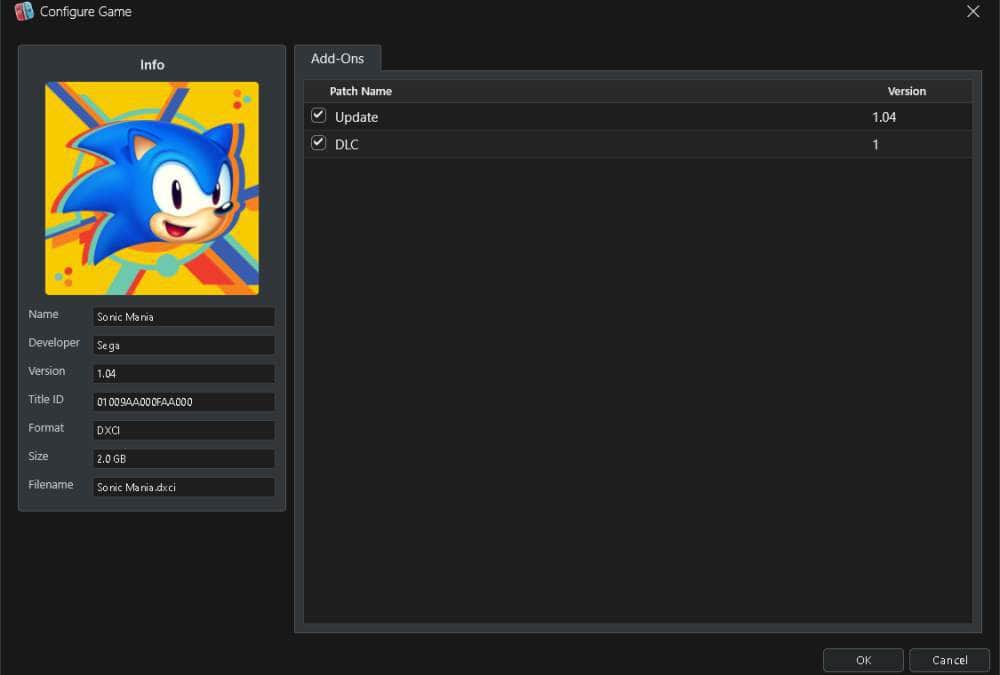
You can now specify add-on folders in configuration. Those directories are scanned for updates, DLC, and mods, and applied when you start a game, so the extra content does not have to be merged in.
Configure Game shows what was found for that title. You can turn individual add-ons on or off, and choose which update version is applied, if any.
Linux / Android
NxEmu is still a Windows-only emulator, but a common question is whether it will eventually support Linux and Android.
Yes. Supporting other platforms is the plan.
This release lays the foundations for that expansion: a CMake build, more of the Linux build path, and Android/ARM64 groundwork.
Quality of Life Changes
There are also several smaller improvements that make the emulator more enjoyable to use:
- Discord Rich Presence – NxEmu now shows what game you are running in your Discord status.
- FPS Unlock – You can now disable the speed limiter and run games above their target frame rate.
- FPS Accuracy – Fixed an issue where games would occasionally dip from 60 FPS down to 50–55 due to the speed limiter oversleeping. Improving Windows timer resolution resolved this issue.
- Vibration – Controller vibration support has been added and can now be configured in controller settings.
- Hide Mouse When Idle – The mouse cursor now automatically hides during gameplay when idle.
- Open Save and Mod Folders – You can now open save data and mod directories directly from the UI context menu.
What’s Next
The major focus that I plan to work on for the next release is an Android build.
Linux development will continue alongside that work. Beyond this, here are some things I would like to see added:
- Multi-language support
- Per-game settings (such as game-specific video or input profiles)
- Amiibo support
- Continued compatibility improvements
if you want to discuss this further or have suggestions you can continue the conversation on the discord channel:
Download Links:
- NXEmu-0.7.0: https://www.nxemu.com/download/nxemu-0-7-0-589-d64b219-zip
- Source Code: View on GitHub