 NxEmu
NxEmuRelease by release, I keep moving NxEmu forward. It is slowly getting to the point where someone might actually choose to use it as their Switch emulator.
It is not there yet, but it is getting closer.
This release brings several quality-of-life features and some architectural work that makes it faster and better to use.
Team Sonic Racing is Running
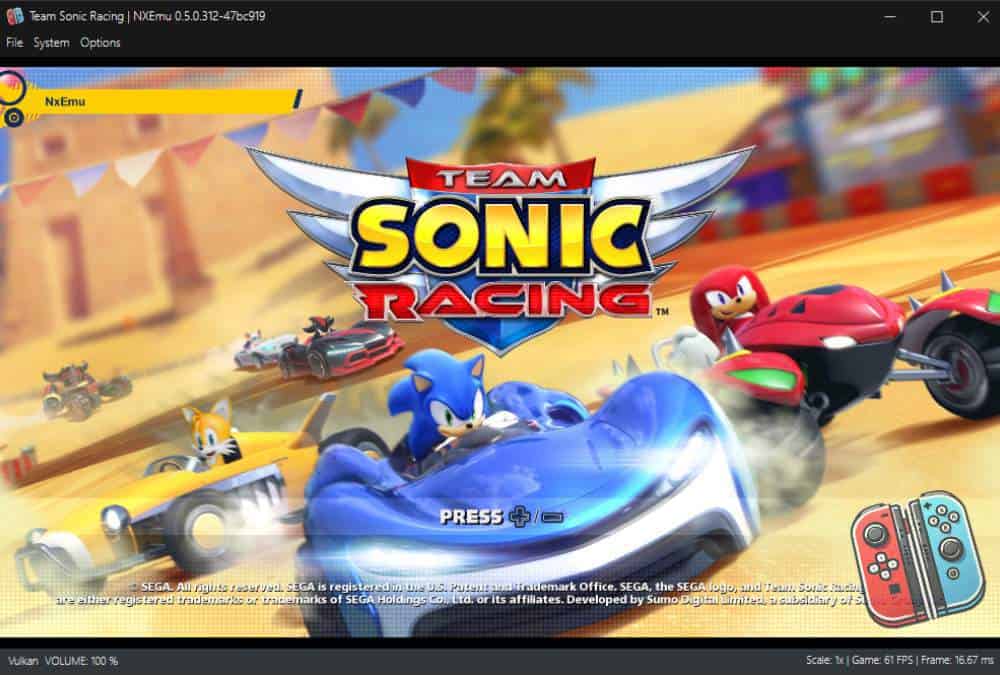
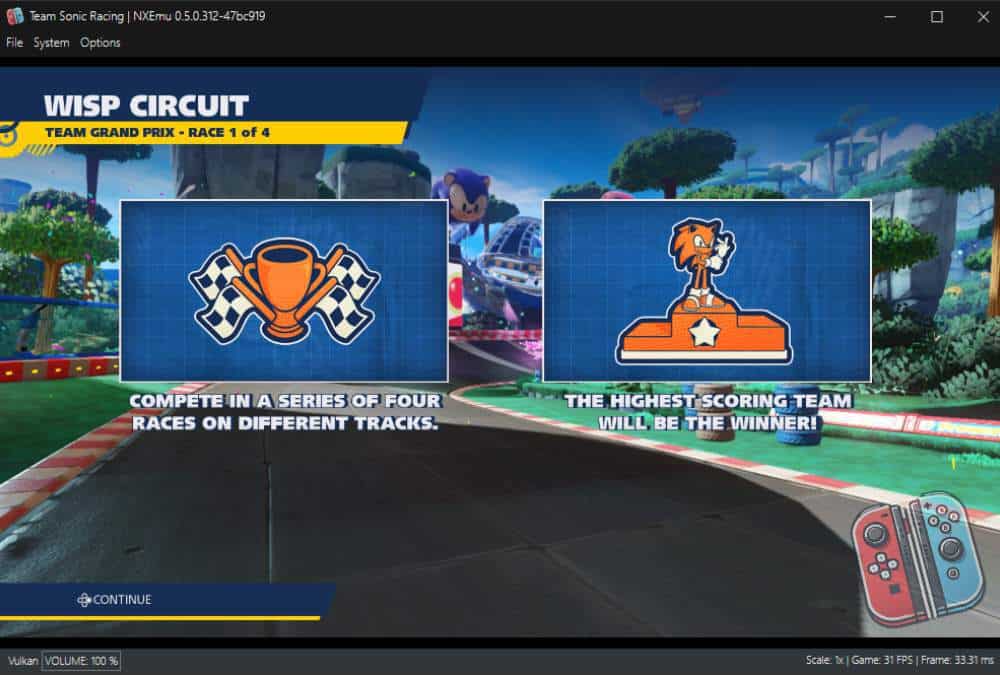
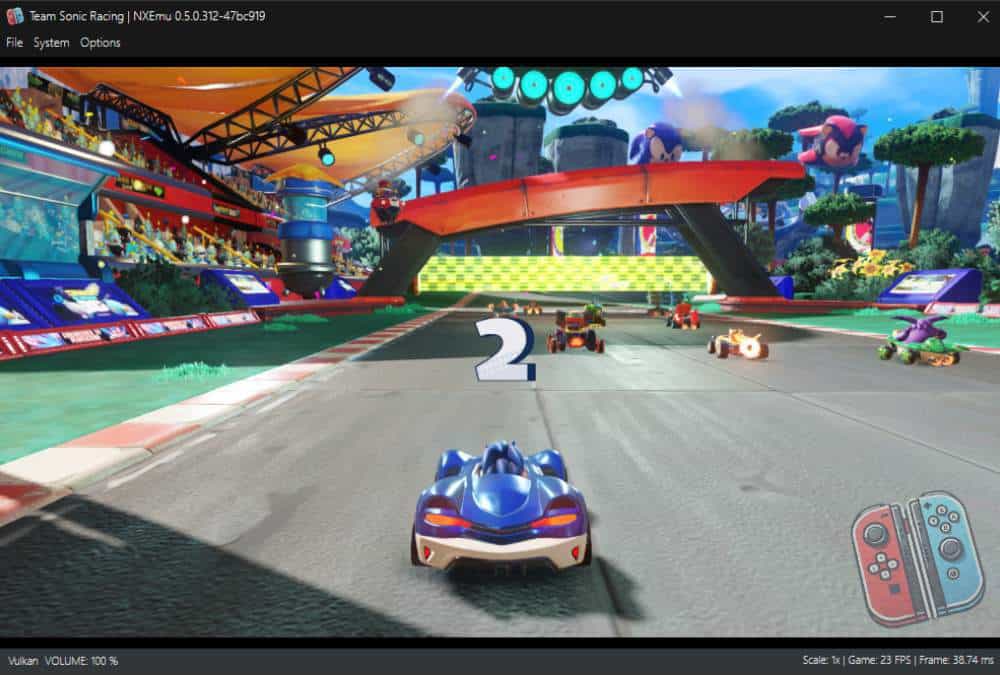
I know I have spent a lot of time trying to work out what I had done wrong that caused the game to not work.
Spent weeks refactoring and changing things to try and narrow down what was wrong, and it turns out to be a really simple fix. MemoryWriteExclusive was using Write not WriteExclusive, so a very easy fix once found that allowed the game to boot.
The work I spent refactoring to get Team Sonic Racing running had multiple other benefits for this release, mostly around the CPU and FFmpeg which I will talk about shortly.
Video Decoding
Once Team Sonic Racing was booting, the next thing it hit that was failing was a video. The game plays a short clip right at startup to show the Sumo Digital logo.
This meant I needed to add FFmpeg as a dependency and implement the NVDEC and VIC execution code. With these in place, NxEmu can now play back in-game videos.
Super Mario Odyssey also benefits from this, as it has small videos showing how to use the controller.
CPU
In trying to track down the error in Team Sonic Racing I did a lot of reworking of the code to try and find the error.
The benefit of that is it is faster and allowed me to add a 32-bit CPU core. This does mean that Mario Kart 8 Deluxe now starts but crashes before showing any graphics.
This is something I will need to debug and fix in a future release.
Game Browser
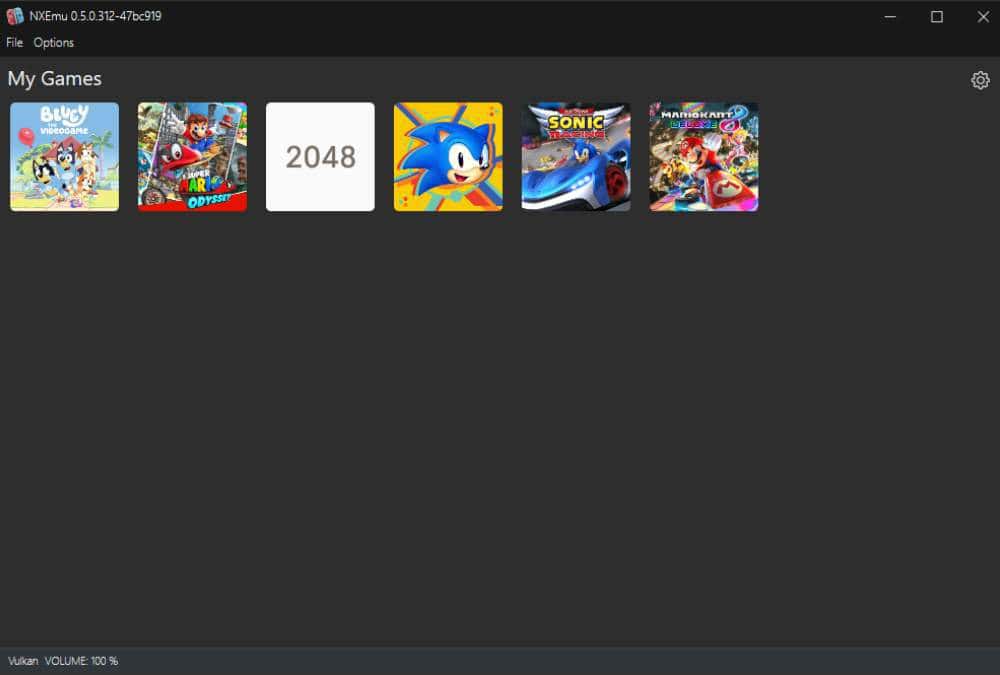
The game browser is now functional. Once you have configured your game directories, NxEmu will scan them and display your games with their cover art. Double click on a game to launch it.
Quality of Life
Several smaller improvements that make NxEmu feel better to use:
- You can now stop emulation and return to the game browser without closing the application.
- The status bar now shows FPS, frame time, shader build count, and renderer information while a game is running.
- Shutdown has been improved so that the emulator closes cleanly most of the time.
Compatibility Testing
For me to test any game on NxEmu I have to have personally bought and own it.
I am leaning hard on interoperability exception of the DMCA Section 1201(f), which allows reverse engineering to build software that is interoperable with existing programs so I can decrypt my own games I have dumped.
I currently own about 10 Switch games, and I have limited funds, so I need to be highly selective of which games I buy and what hardware I have to test on.
What’s Next
My plan for the next release is to focus on a single game, most likely Super Mario Odyssey, and just try to polish the emulator so it feels nice to be able to play that game. For compatibility I have Mario Kart 8 Deluxe, which I need to dig into why that is crashing before rendering anything.
Beyond that, there are a lot of things on my to-do list. How far and what I can get done from the list in the next release I will see. Some of the things I wrote
down that I need to look at:
- Fast memory
- Shader caching
- Fullscreen support
- Pause/resume emulation
- Per-game configuration
- Compressed game support
- Rom browser improvements like search, sort, and recent games
- Controller improvements like motion support and profiles
- General UI polish: resize window, keyboard shortcuts, loading screen
if you want to discuss this further or have suggestions you can continue the conversation on the discord channel:
Download Links:
- NXEmu-0.5.0-312-47bc919: https://www.nxemu.com/download/nxemu-0-5-0-312-47bc919-zip
- Source Code: View on GitHub